





Get Real-Time Notifications for Every Email Opened

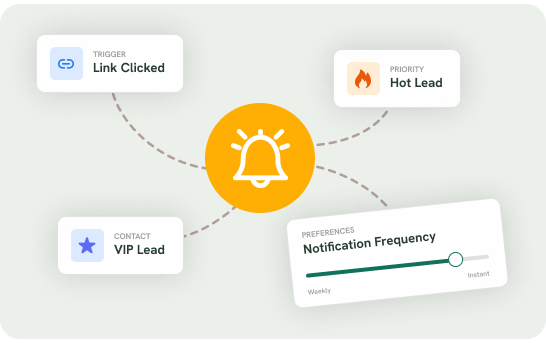
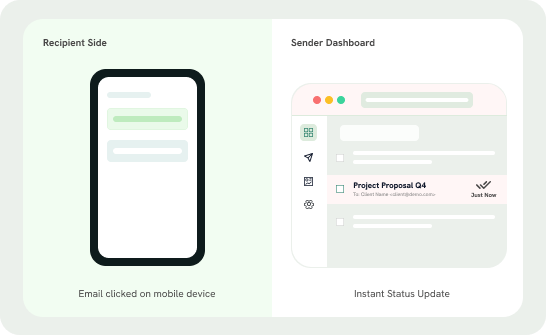
Take the guesswork out of your email communication and track opens and clicks in real-time with MailTrail. With instant notifications, you’ll know precisely when your emails are opened, allowing you to follow up at the right moment and save time, effort, and cost.

Track unlimited emails from Gmail!

Installing MailTrail is a Breeze

It’s easy and simple with prompts guiding you every step of the way.

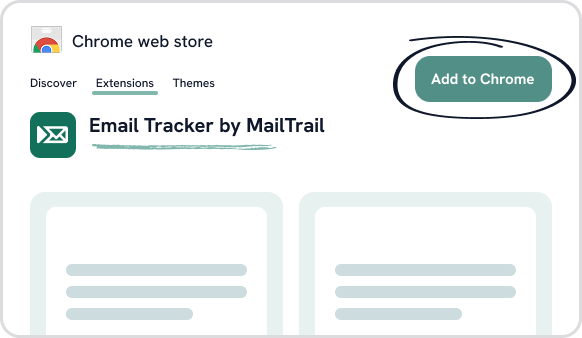
Search for MailTrail in the Chrome extensions list.

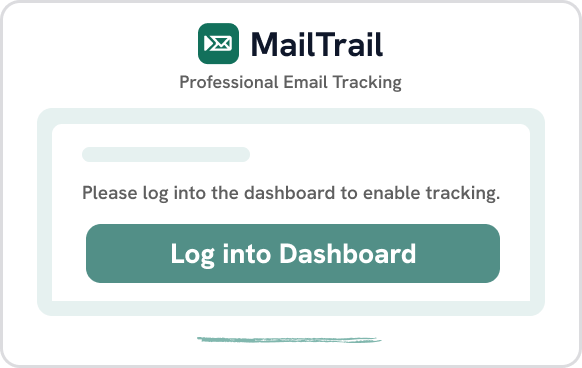
After adding it to Chrome, open the extension and click on log in to dashboard.

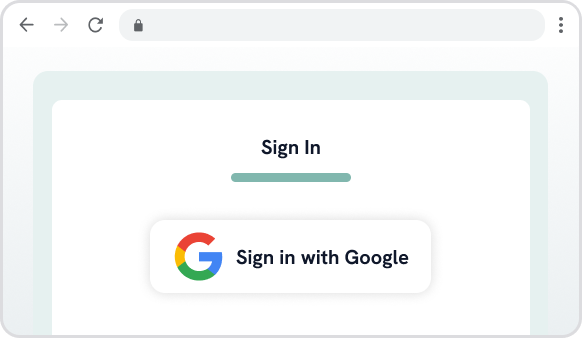
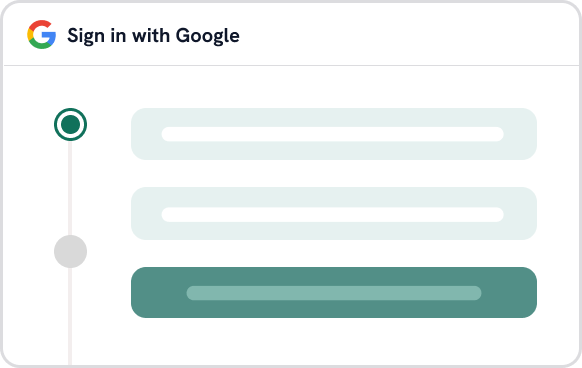
On the dashboard, click sign-in.

Follow the steps to authenticate via Google

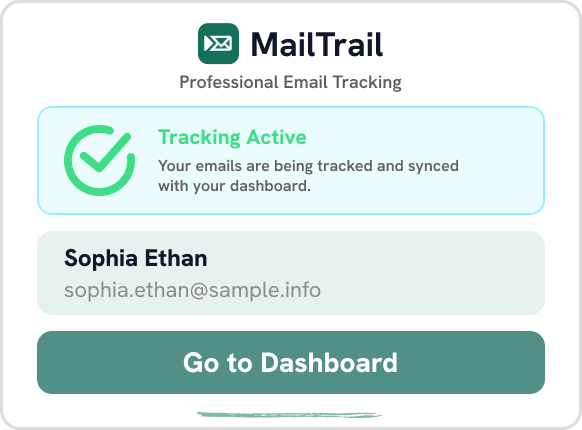
Once authenticated, the extension pop-up will appear.

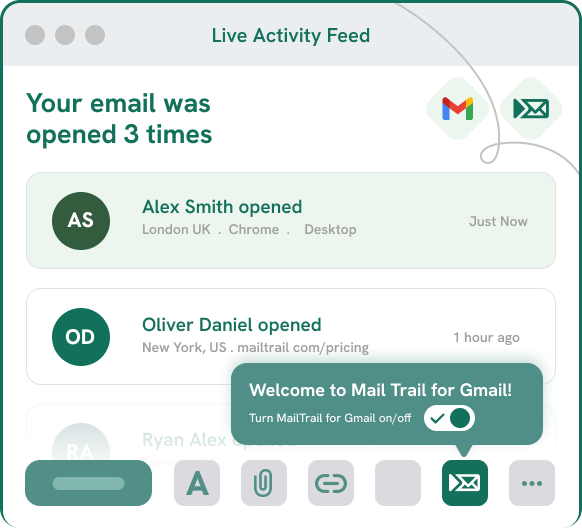
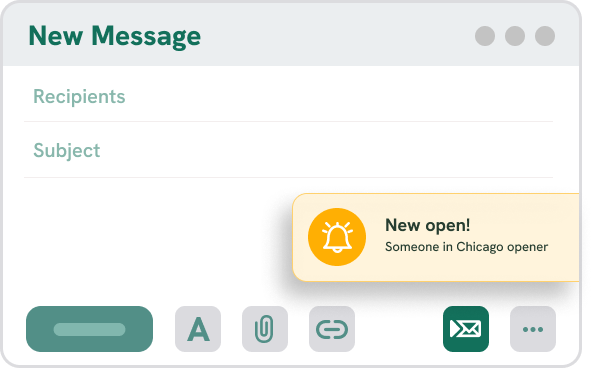
Compose an email in Gmail, and the MailTrail icon at the bottom shows your message is being tracked.

Powerful Features Delivering Real Results

Stop shooting emails in the dark and adjust your outreach approach by staying one step ahead by knowing when to follow up. 

Pricing

Pick the Plan that Works For You

Monthly Yearly Save 29%

FreE

$0/month

Includes:

Advanced

$6.99
/month
Billed monthly
Includes:

FAQs

Frequently Asked Questions

Whether you’re looking for more information about our services, policies, or how things work, we’ve got you covered. If you can’t find the answer you’re looking for, feel free to reach out to us directly — we’re happy to help!

What is an email tracker?

An email tracker tracks the sent email and notifies the sender when the recipient opens it, clicks links, or interacts with your message. It also provides real-time insights into email engagement, helping the senders understand recipient interest and follow up at the right time.

How to track email status?

Install MailTrail as a browser extension, compose your email in Gmail, and send it. You will get real-time notifications when the recipient opens your email or clicks any link, with all the tracking data visible in your dashboard.

What does MailTrail do?

MailTrail tracks your emails and notifies the sender when recipients open them or engage with the message. In addition to this, MailTrail gives the following features:

  • Custom Alerts
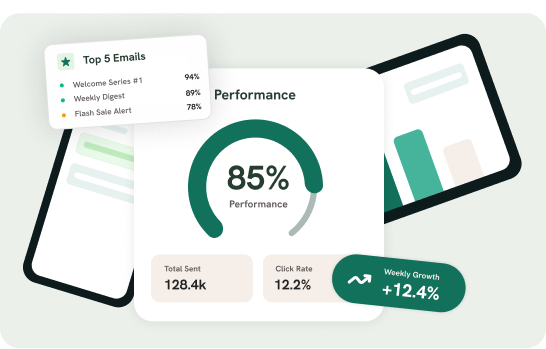
  • Daily & Weekly Reporting
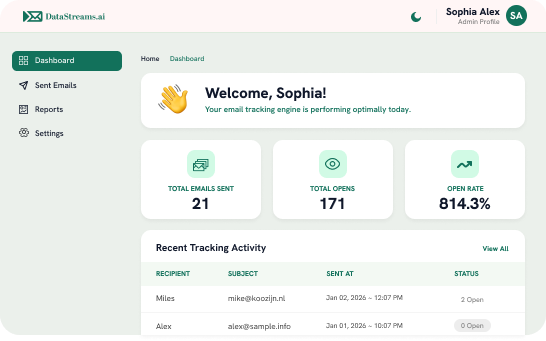
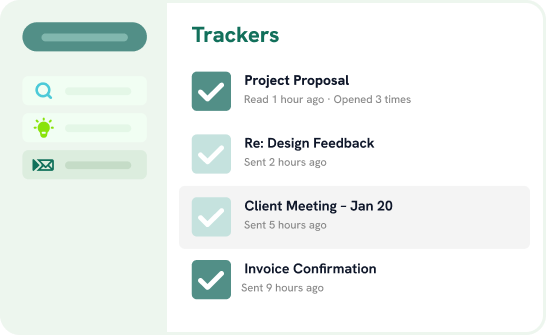
  • Intuitive Dashboards ( view of open rate, etc.)
  • Double check marks (when the recipient reads the email)

How can I install MailTrail?

In just a few steps, you can install MailTrail:

  • Click on [Install Chrome Extension] (Insert link here to Chrome extension) 
  • Click Add to Chrome to install the extension
  • Open the MailTrail Chrome extension from the top right corner of the browser and press "log in to dashboard”.
  • Sign in with your Google account to connect MailTrail with Gmail
  • Once installed, the MailTrail automatically starts tracking emails, and the tracking icon appears at the bottom of the compose email window.

 Didn’t find the answer you’re looking for, feel free to reach out to us directly!

Contact Us

Have a question or feedback?

Fill out the form below, and we’ll get back to you as soon as possible.

Enjoy with DataStreams:

Free 200 credits

Credits never expire

No charge for Unknown result

Scroll to Top